Why it works for Discord
Discord shows your avatar small in member lists, voice channels, and mobile notifications. A square face with a strong hair silhouette and simple expression stays readable at that size. Discord displays profile pictures in a circle—keep important details near the center so corners are not cut off. We recommend exporting at 512 × 512 pixels for a sharp everyday Discord PFP.
From generator to Discord
Open the generator
Go to Square Face Generator on the homepage—no download, plugin, Flash, or account required.
Customize your square face
Pick hair, eyes, expression, outfit, and colors. Lock layers you love, then randomize the rest until the face feels right.
Download a 512 PNG
Choose Download PNG and select 512 × 512. The file saves locally in your browser—ready for Discord upload.
Upload to Discord
In Discord, open User Settings → Profiles → Avatar, upload your PNG, adjust the circular crop if needed, and save.
Remix a gaming or Discord look
These square face examples are tuned for game chats and servers. Open any avatar in the generator to swap parts, then download your own PNG.
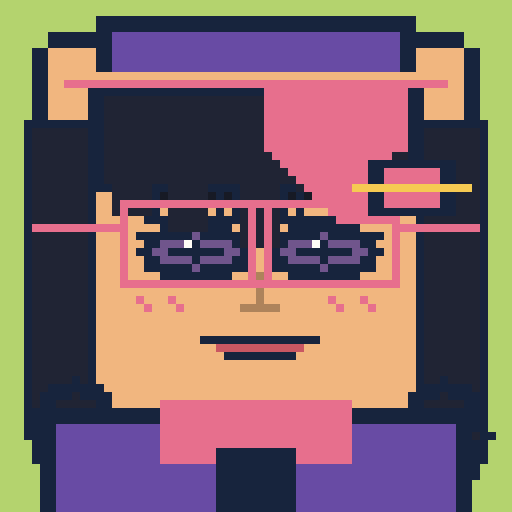 Clan scoutWispy fringe, a bucket hat, and narrow eyes fit scout or lurker roles—lighter outline than heavy rugby tank builds.
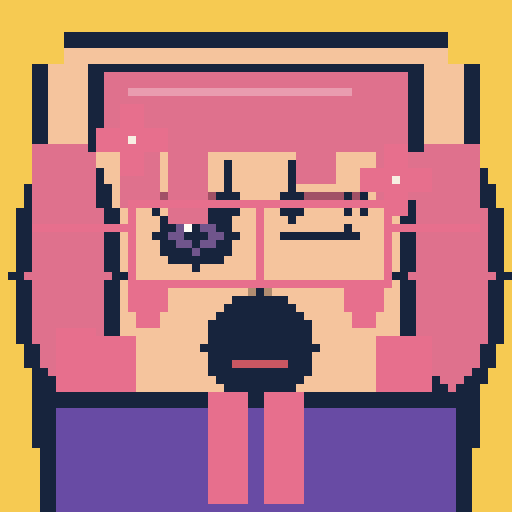 Retro PvPTwin tails, retro glasses, and zigzag fringe nod arcade PvP—playful and loud next to muted tactical comms faces.
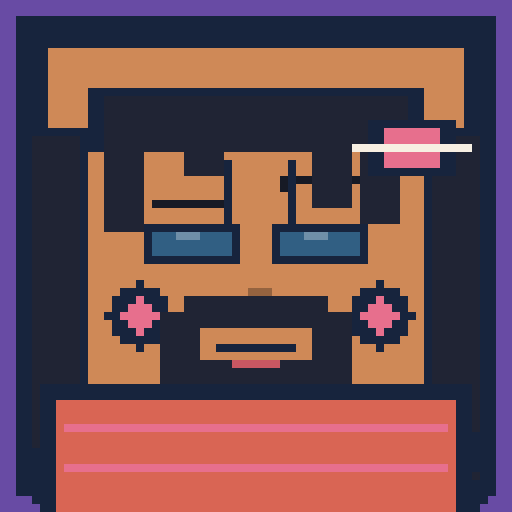 Party tankDiagonal bangs, a rugby stripe shirt, and a beard read frontline tank—broader silhouette than slim scout bucket hats.
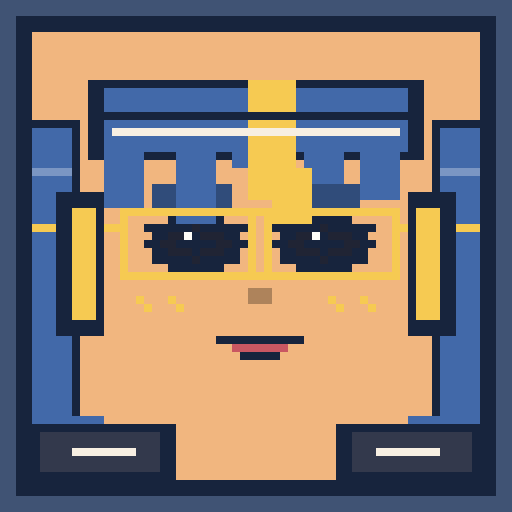 Comms officerLayered hair, screen glasses, and a headset sell squad comms—head shape shifts away from spiky fragger presets.
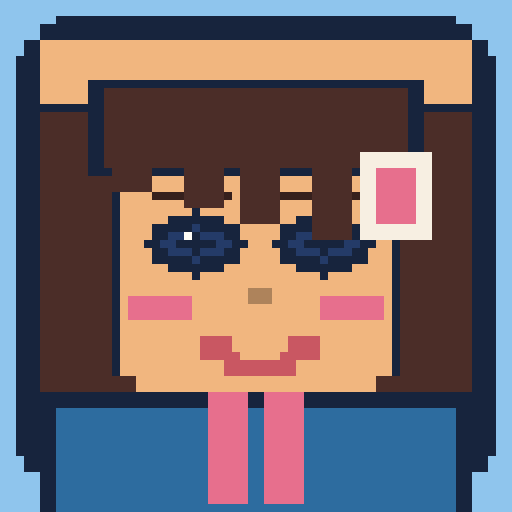 Guild recruitMicro bangs and overalls with a name tag skew newbie-friendly—for recruit posts and welcome channels.
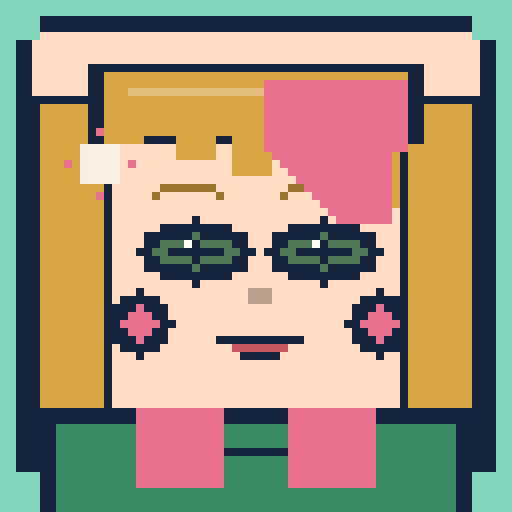 Healer mainCurtain bangs and a cross pin on a cardigan feel support-main calm—softer than tactical cap-and-glasses comms looks.
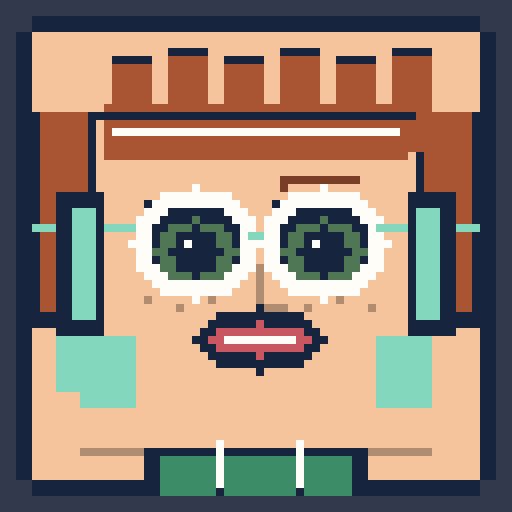 FPS fraggerSpikes, pixel eyes, and goggles on a bold hoodie suit FPS profile pics—high contrast for small voice-chat tiles.
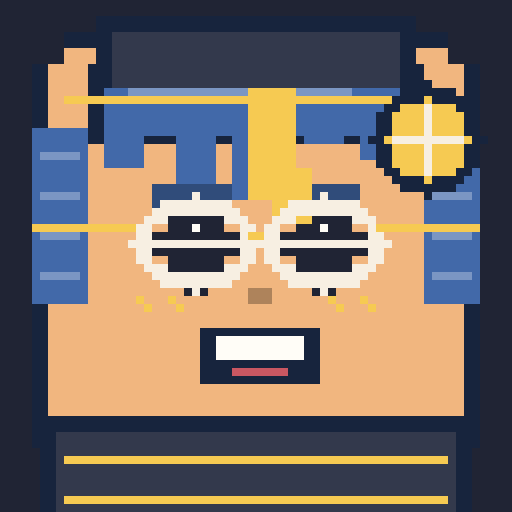 Rank emblemGold fringe, a cadet jacket, and a badge pin read officer or ranked roles—distinct from hoodie-and-headphone gamer silhouettes.
Discord PFP FAQ
What size should my Discord PFP be?+
512 × 512 pixels is our recommended export size for Discord and most social avatars. Discord accepts larger files, but 512 keeps the icon sharp without unnecessary weight.
Will Discord crop my square avatar?+
Yes—Discord shows profile pictures in a circle. Design with the face and expression centered so hair tips or accessories near the corners are not clipped awkwardly.
Is Square Face Generator free for Discord?+
Yes. Create and download as many square faces as you like. There is no paywall, trial, or account required for PNG export.
Is this the classic Flash square face tool?+
No. Square Face Generator is an original illustrated maker for modern browsers—not a Flash port, Ruffle wrapper, or pixel-identical copy of any legacy SWF. You do not need Flash or Ruffle.
Ready for a new Discord look?
Jump to the generator on the homepage, build your square face, and download a PNG in minutes.
Open the generator