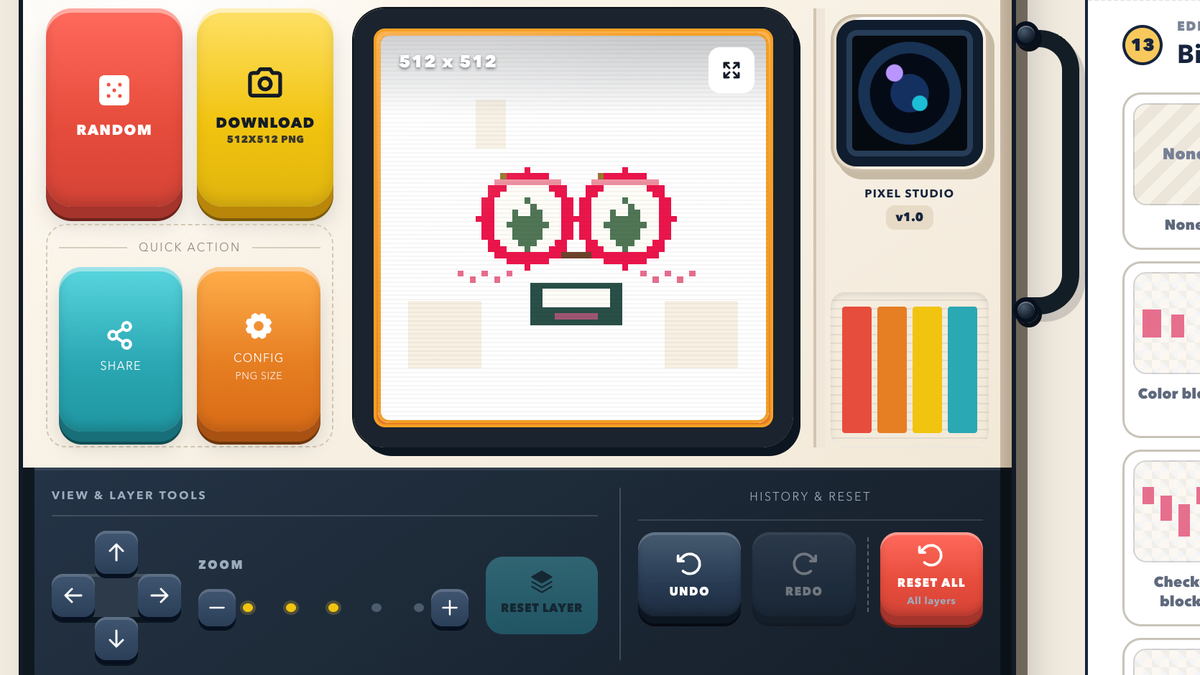
Start the Generator
Open Face Square Generator in your browser. No account, plugin, or photo upload is required.
Create your own square face avatar online. Mix cool, cute, anime, beautiful, pixel, funny and many other styles with our free Square Face Generator, then make a unique profile picture for gaming, communities and social media.
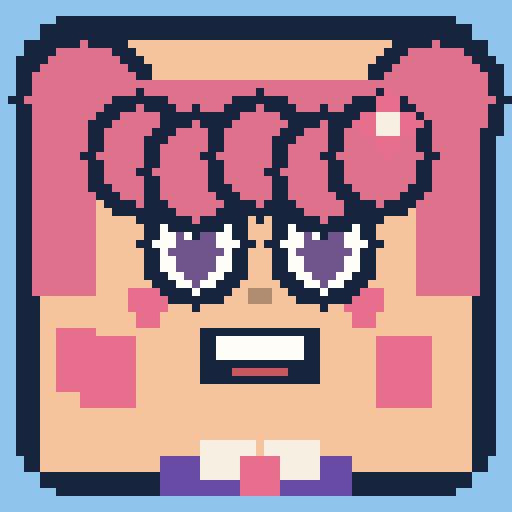
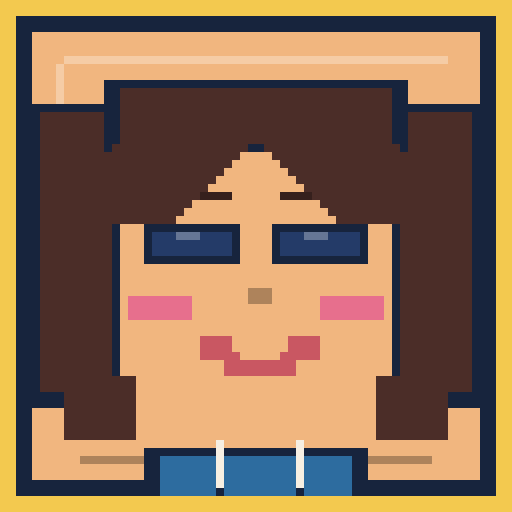
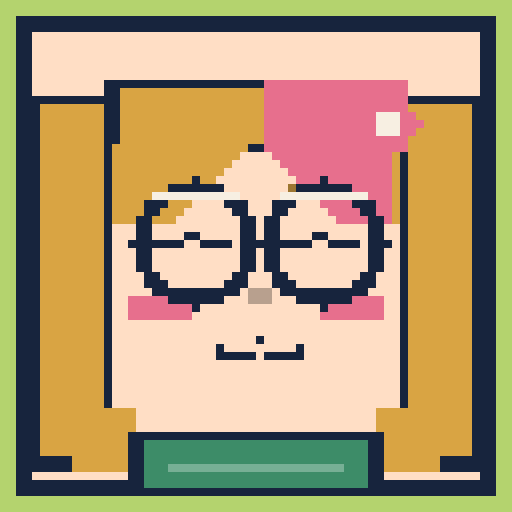
Completely freeNo account. No payment.
Easy to remixThousands of combinations.
High-quality PNGDownload 256, 512, or 1024 px.
Local-first privacyYour image stays with you.
Need inspiration? Explore different square face styles created with the generator, from cool and anime looks to pixel, funny, and gaming-inspired characters.
Face Square Generator is a free online square face maker for building an illustrated character on a square canvas. Open it in your browser, pick the parts you want, and watch the portrait update in real time. Unlike a photo cropper, it gives you a character you can rebuild whenever you change communities. You never need to upload a personal photo, wait for an AI model, or install Flash Player or a Ruffle plugin.
This square face generator lets you customize skin tone, hairstyle, eyes, brows, expression, outfit, accessory, and background. Create cool, anime, beautiful, pixel, funny, or many other looks for games and communities. If you want a starting point, randomize a complete character and then fine-tune only the details that matter.
The finished square avatar works as a profile picture almost anywhere, including Discord, gaming profiles, forums, YouTube, TikTok, and X. Download a 256 × 256 PNG for compact icons, a 512 × 512 file for everyday use, or a 1024 × 1024 PNG when you need a sharper master. All of the drawing and export happens locally in a modern browser, so the image stays on your device.
Open Face Square Generator in your browser. No account, plugin, or photo upload is required.
Choose hair, eyes, expression, outfit, and colors. Every tap updates your square face immediately.
Fine-tune the look, or roll a random face and keep the parts you like.
Download a 256, 512, or 1024 PNG and set it as your avatar, icon, or PFP.
A square face icon is a small, readable portrait made for profile slots. Because Face Square Generator is already square, the result stays balanced as a profile icon, an avatar, or a PFP—even when an app later crops it into a circle. Use the generator to make a square profile picture with a clear silhouette, a strong expression, and colors that still work at tiny sizes.
Create as many square faces as you like. There are no locked basics, trials, or surprise checkout screens.
Jump straight into the maker. We do not need your email, profile, or social account to build an avatar.
Mix hair, eyes, expression, outfit, and background one part at a time. The preview updates as you go.
Build cool, anime, beautiful, pixel, funny and other looks from original illustrated parts—not a cropped photograph.
The workbench reshapes for phones and tablets, with comfortable controls and a preview that stays in view.
Save a 256 × 256 icon, a 512 × 512 profile image, or a 1024 × 1024 PNG for larger placements.
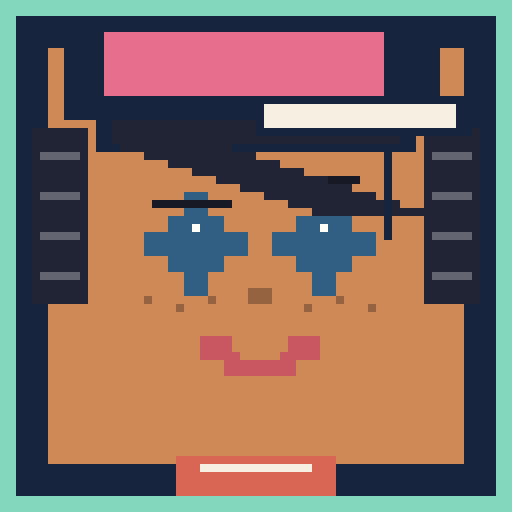
Stay recognizable in busy servers with a bold silhouette and expression that reads clearly at small sizes.
Build a playful character for game communities, streams, leaderboards, and your next squad chat.
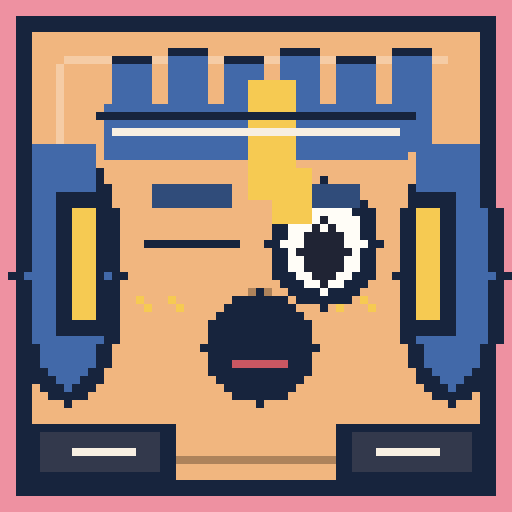
Give your TikTok account a friendly face without sharing a real photo.
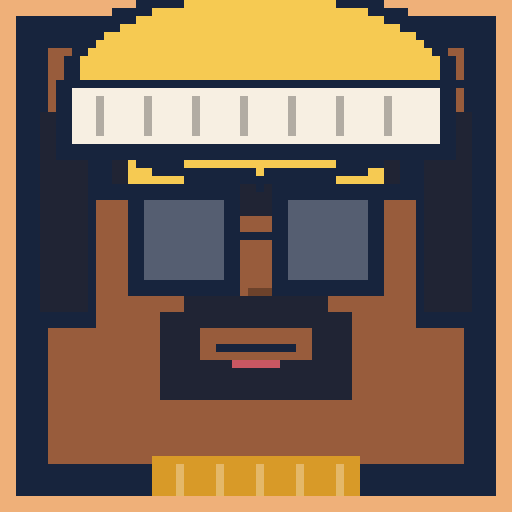
Use a clear square portrait as your channel face across videos, comments, and community posts.
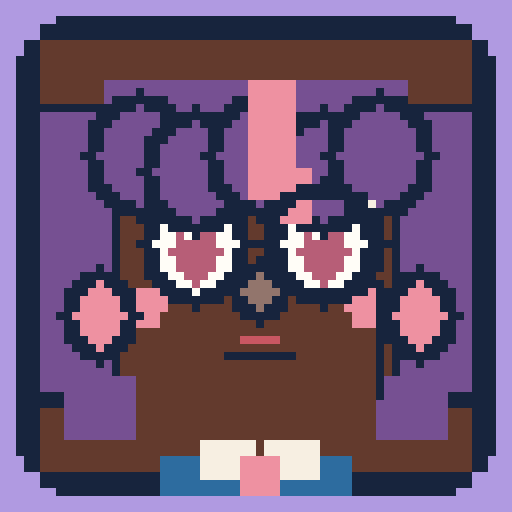
Keep a consistent, readable identity in a tiny circular crop on X.
Not sure where to begin? Roll a complete look in one click, keep the parts you like, and randomize the rest until the character feels yours.
Roll a random faceThis is an original illustrated square face maker that runs in a modern browser. You do not need the old Flash Player, a Ruffle extension, or a museum-style SWF wrapper. Want more creative parts for hair, eyes, outfits or other layers? Contact us with your ideas—we review suggestions and regularly ship new elements so everyone can create more looks.
See exactly how to make a square face avatar: choose layers, set colors, adjust placement and zoom, try Random, and export the right PNG size.
Read guideEverything you need before making your first tiny face.
Read the full how-toFace Square Generator is a free online avatar maker for building an illustrated character on a square canvas. You combine face, hair, expression, outfit, accessory, and background options to create a profile picture.
Yes. The generator and every PNG size are free to use, with no account or payment required.
No. The tool runs in a modern browser. You do not need Flash Player, a Ruffle plugin, or any extra extension.
It is a small square portrait designed for profile slots. A square face icon stays balanced as an avatar or PFP, even when an app crops it into a circle.
Yes. Download a PNG and use it as a Discord PFP, gaming avatar, or social profile picture. 512 × 512 is a practical everyday size.
Yes. The interface is responsive and works with current mobile browsers, tablets, and desktop devices.
Yes. Use the random control to generate a complete look, then keep the parts you like and edit the rest.
Choose Download PNG, then pick 256 × 256, 512 × 512, or 1024 × 1024. The file is created in your browser and saved to your device.
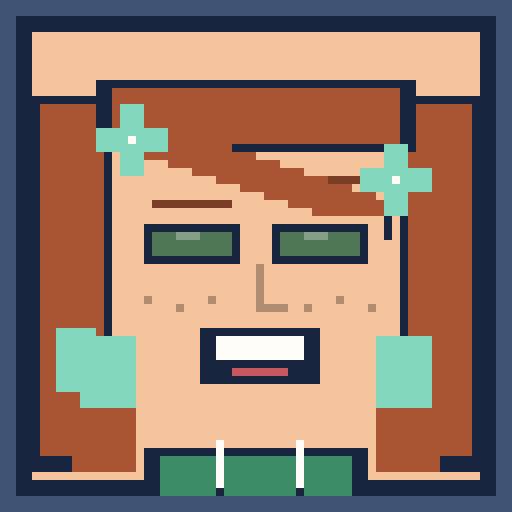
Start with a random look or build every detail yourself.